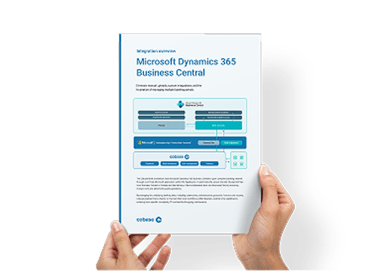
A single ERP connection to Cobase unlocks a global banking network, while we handle complex formatting, authentication, and communication in the background. Key features include:
-
 Centralized bank connectivity via a single ERP connection
-
 Automated payment processing and approvals with one token
-
 Centralized user management with full control and audit logging
-
 Automated standardized bank statement import for reconciliation
-
 Real-time payment status tracking with ERP sync.
-
 Compatible with Business Central's native Bank Account and Payment Reconciliation, as well as 3rd-party tools.
-
 Built-in security, access control, and compliance
-
 Format conversion for MT101, PAIN.001, MT940, CAMT.053, BAI2, CSV, and more


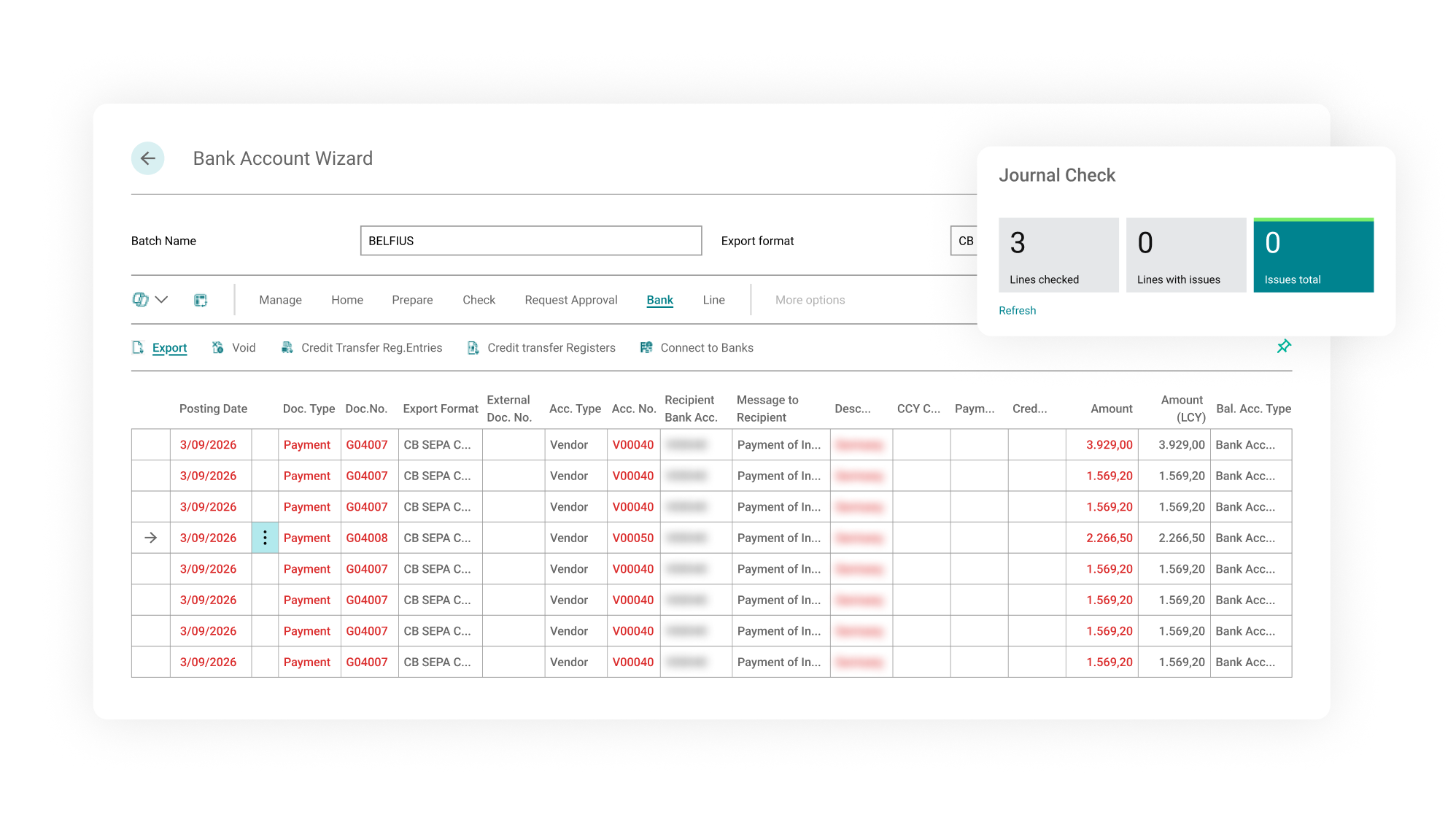
Payment initiation
Payments are prepared and initiated directly from Payment Journals in Business Central, after which payment files are generated and automatically transferred to Cobase for further processing.
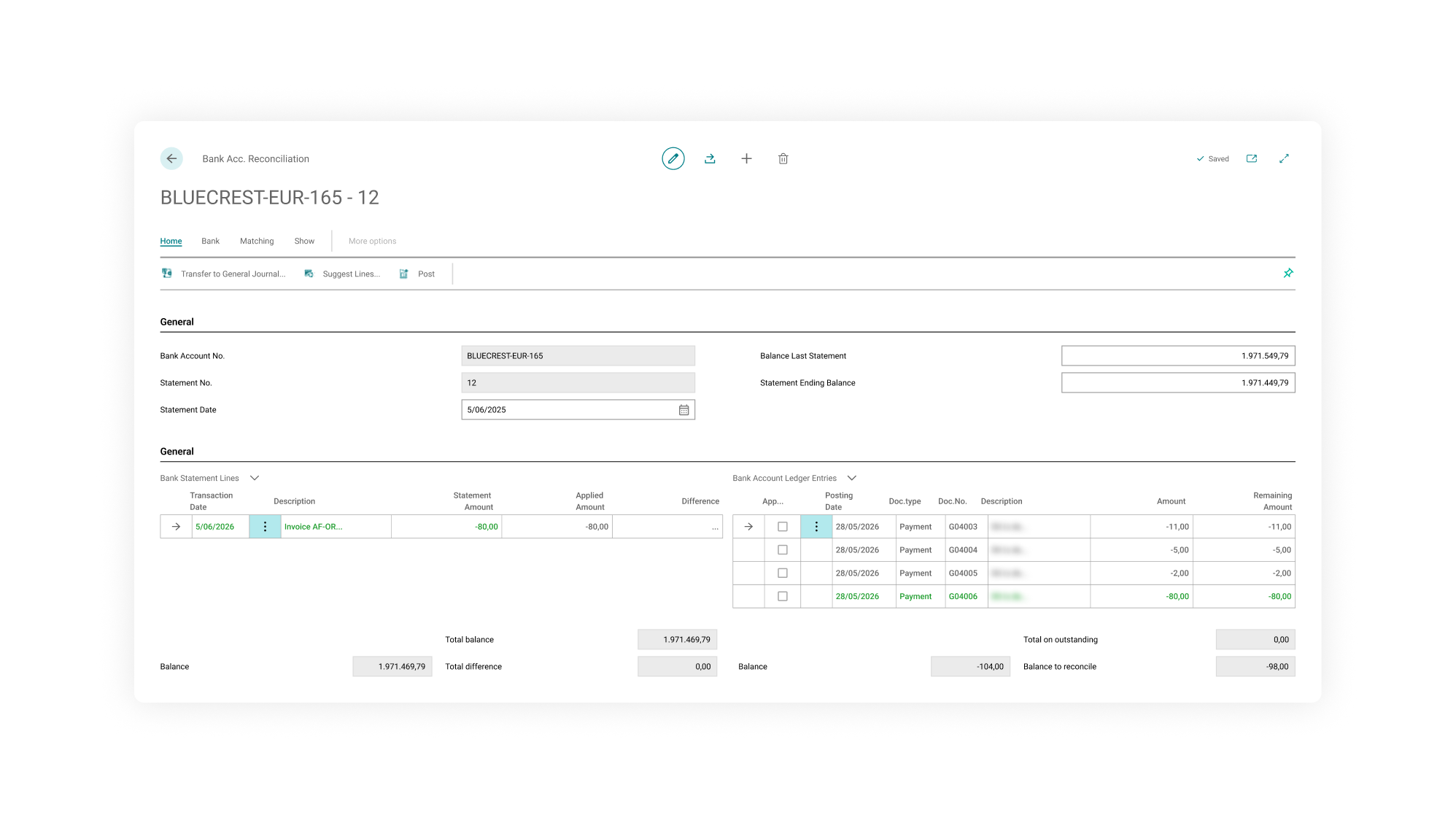
Bank statements & bank reconciliation automation
Imported bank statement lines and outstanding ledger entries within Business Central’s Bank Account Reconciliation, with automatic matching supporting the reconciliation process.
Interested?
Manage all your bank accounts centrally with Cobase
Simplify your cash management and save valuable time. One platform, complete control over all your financial flows.

